
에이전트가 만들고,
내가 다듬는 App Store 스크린샷
Claude Code 같은 AI 에이전트가 슬라이드 구성과 캡션, 번역, 규격별 렌더링까지 처리합니다. 고칠 곳은 Mac 앱의 캔버스에서 직접 손보세요. 무료 오픈소스이고, 계정도 업로드도 없습니다.
- macOS 10.15 이상
- Apple Silicon과 Intel 지원
- Apple 공증 완료
- MIT 라이선스
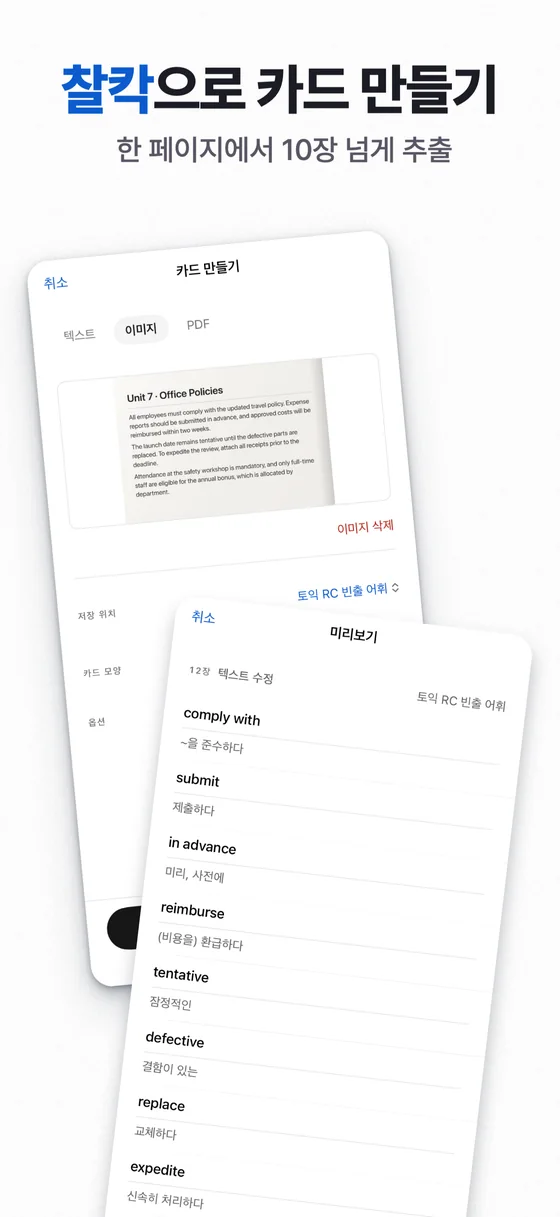
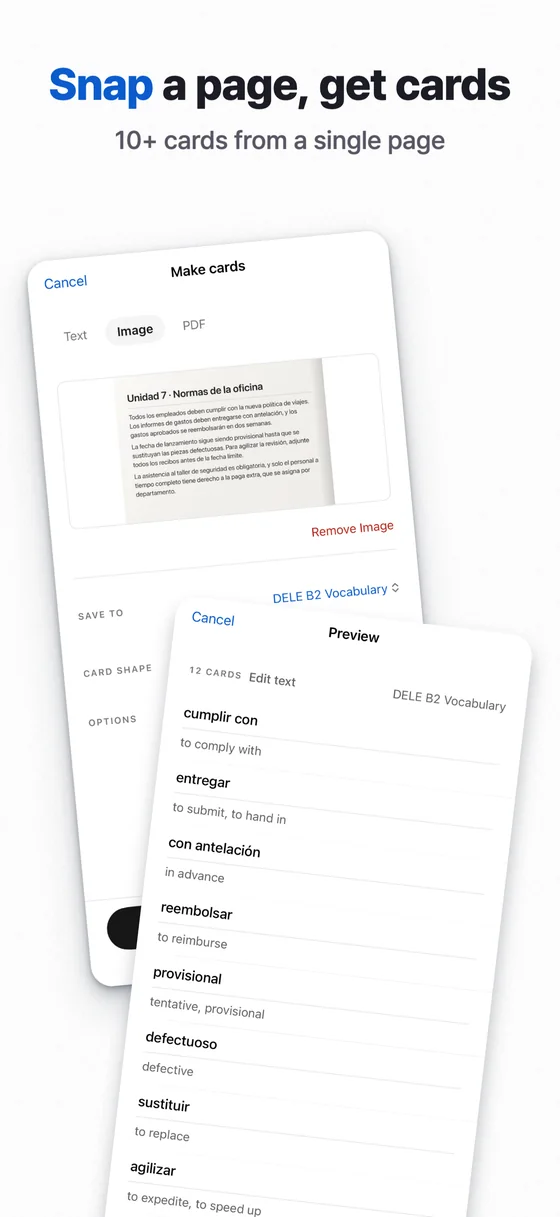
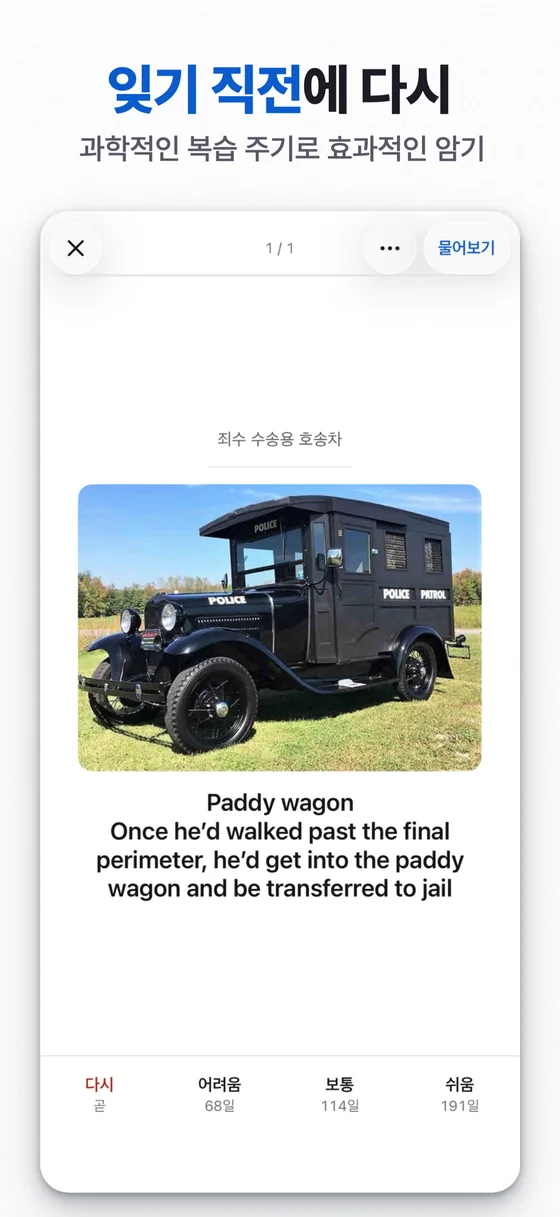
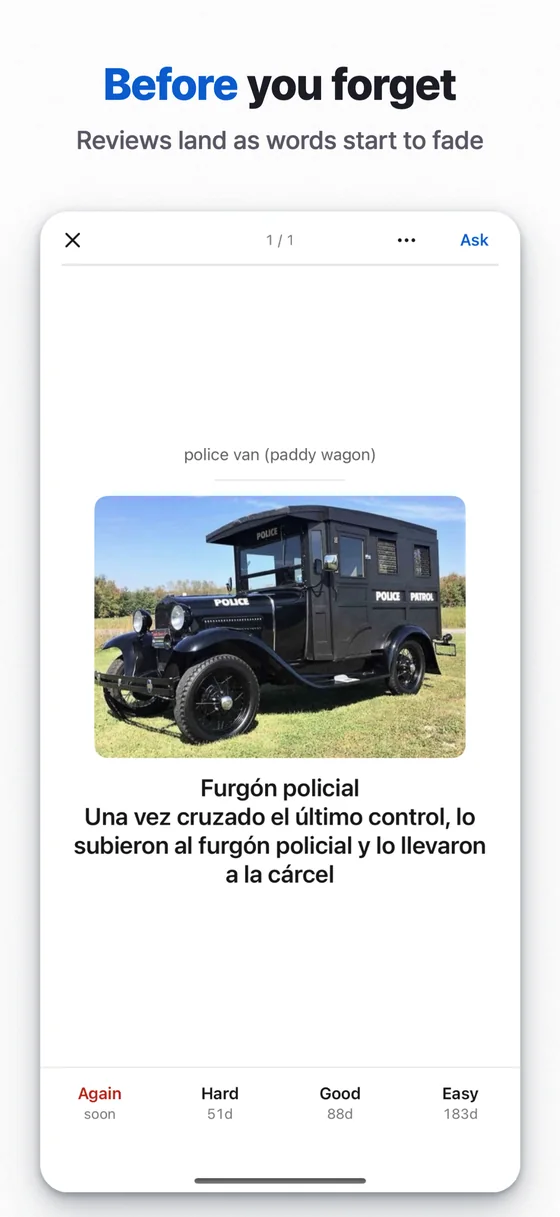
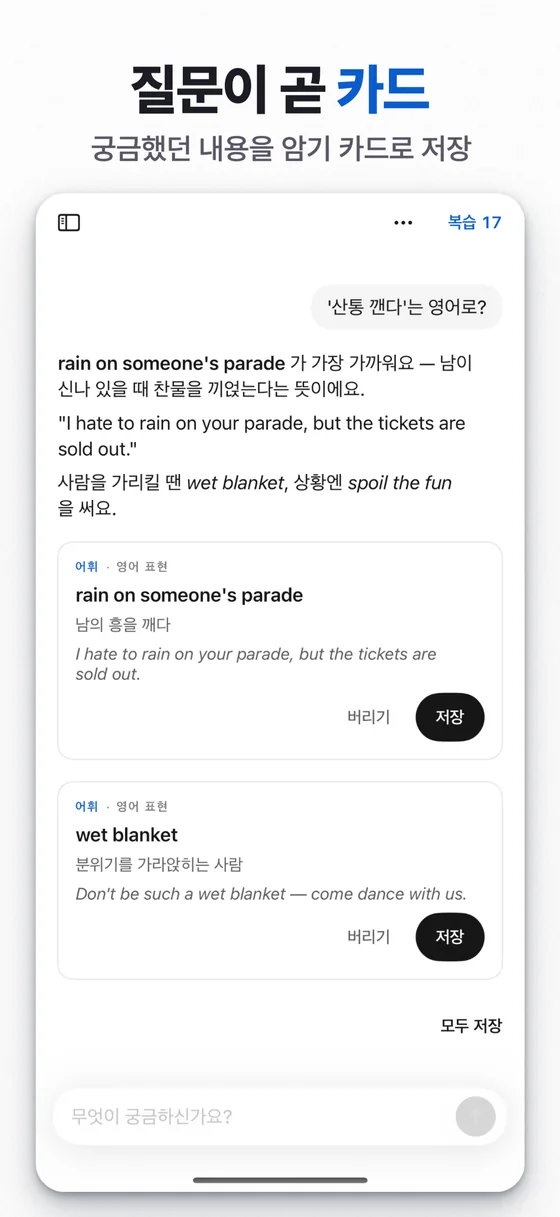
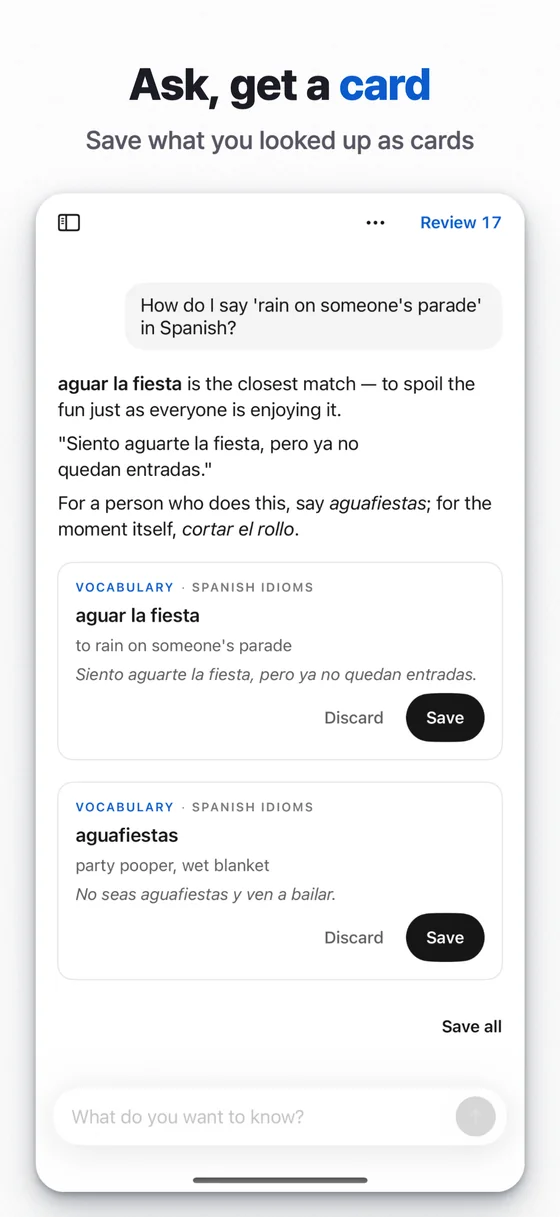
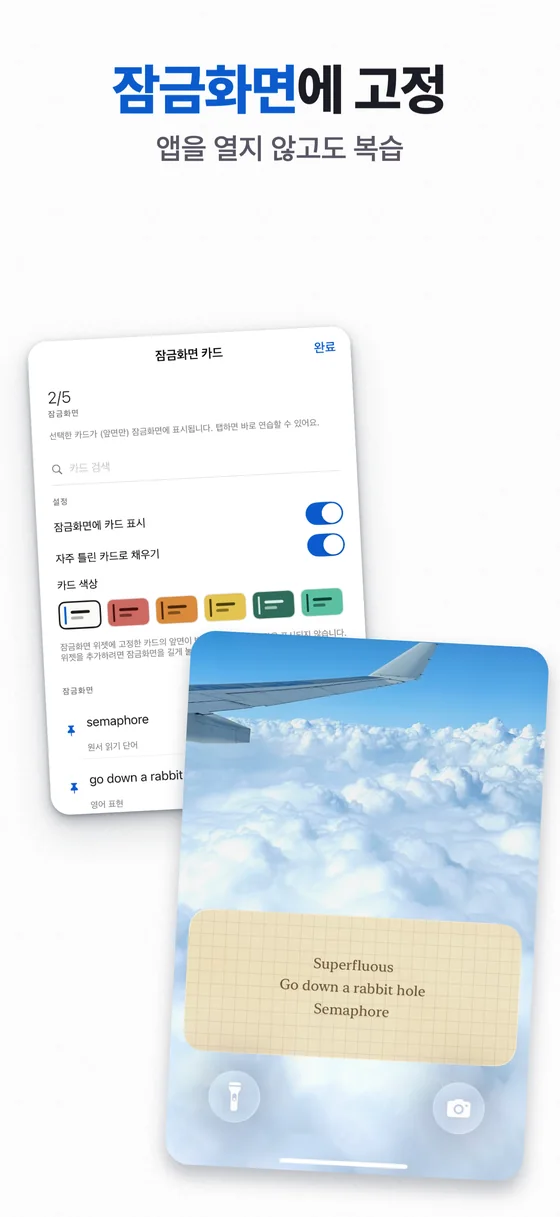
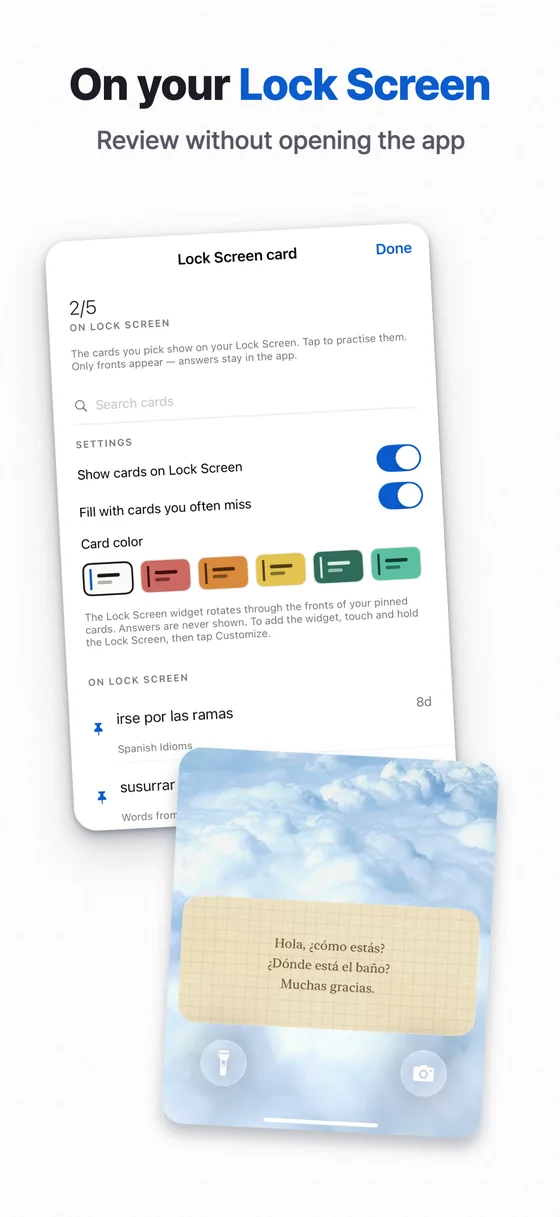
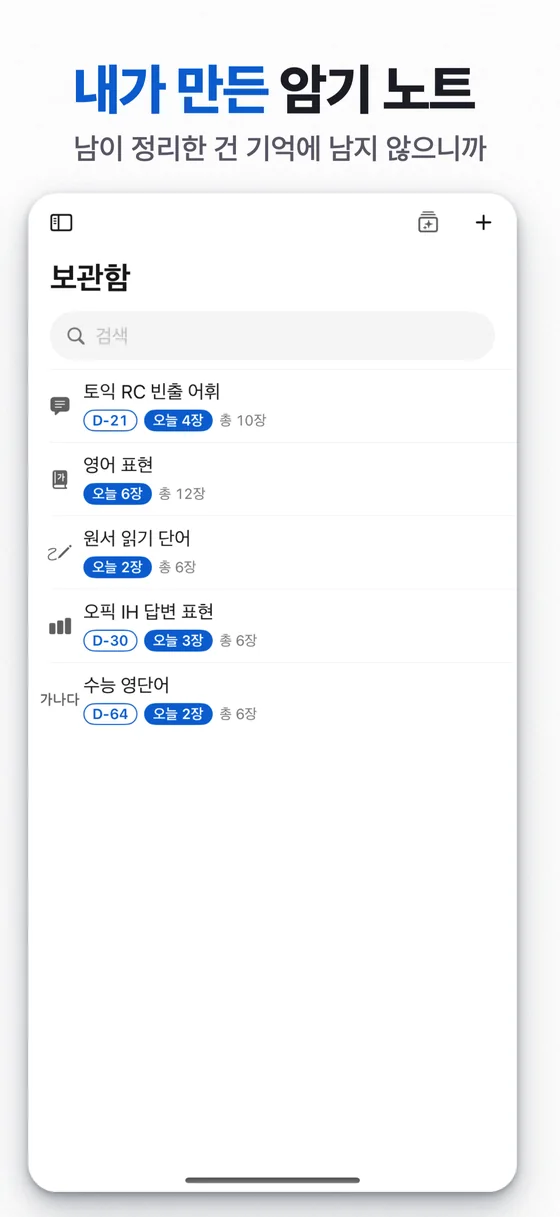
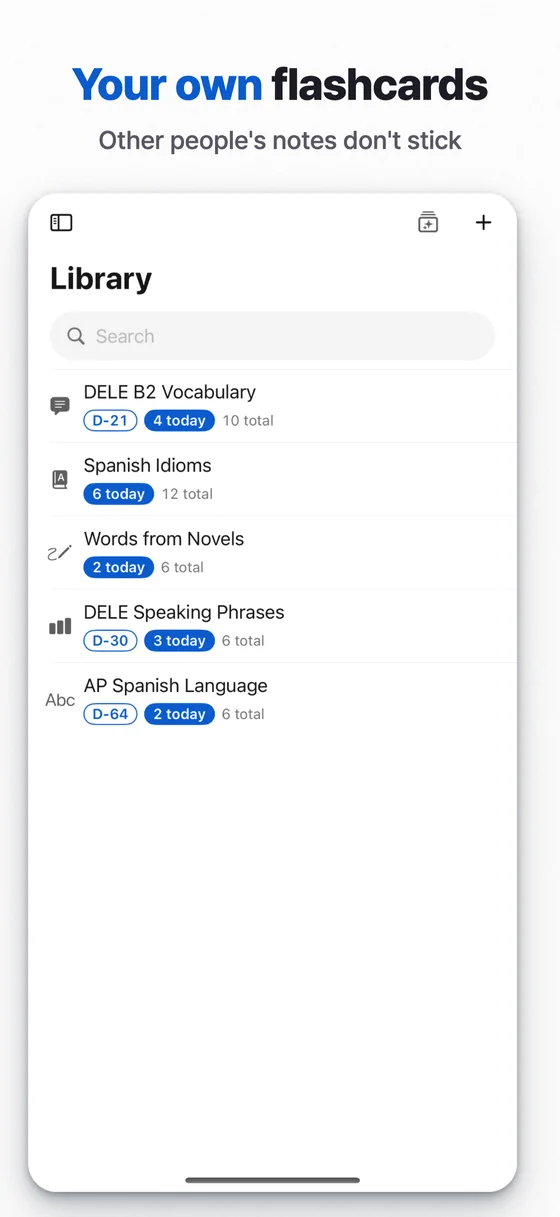
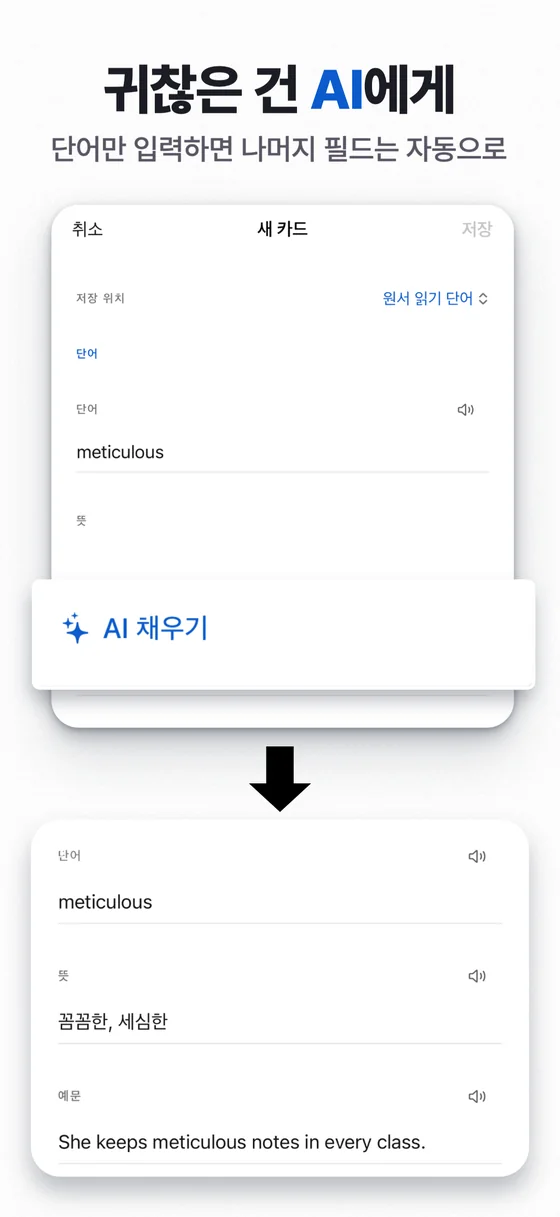
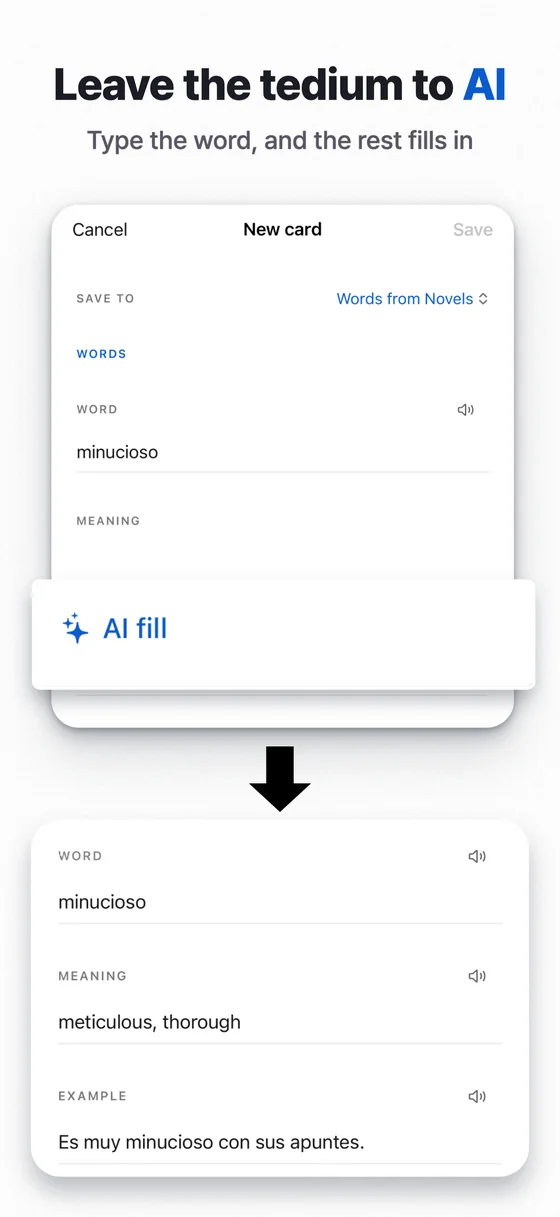
모든 슬라이드를 한 캔버스에서
슬라이드가 한 보드에 나란히 놓여 전체 흐름을 보면서 편집합니다. 속성 패널은 선택한 대상에 맞춰 바뀌고, 레이어 목록에서 원하는 요소를 바로 고를 수 있습니다.

열어 둔 프로젝트를 에이전트가 직접 고칩니다
MCP로 연결하면 Claude Code 같은 에이전트가 지금 열린 프로젝트를 읽고, 캡션을 쓰고 번역하고, 슬라이드를 렌더해 결과를 확인한 뒤 저장합니다. 바뀐 내용은 편집 중인 화면에 곧바로 나타납니다.
파일로 일하는 편이 좋다면 저장소의 헤들리스 파이프라인이 매니페스트와 스크린샷 폴더를 창 없이 PNG로 렌더하고, 레이아웃 문제를 찾아 스스로 고칩니다.
에이전트 연결 방법 보기$ claude mcp add screenshot-studio \ -- npx -y screenshot-studio-mcp> 영어 캡션을 채우고 1번 슬라이드를 보여 줘 live_list_untranslated 번역할 문자열 12개 live_patch setText 12건 적용 live_view 1번 슬라이드 (en) live_save Memento.studio.zip 저장
캡션은 표 하나로, 스크린샷은 파일 이름으로
모든 캡션이 슬라이드와 언어로 짜인 표 하나에 모입니다. 빈칸은 에이전트에게 맡기거나, CSV·JSON
양식으로 내보내 번역한 뒤 다시 가져오세요. 언어별 스크린샷은 01-home.ja.png처럼 이름에
언어 코드만 붙이면 제자리를 찾아갑니다.
레이아웃은 모든 언어가 함께 쓰고, 필요한 언어만 따로 위치나 크기를 조정할 수 있습니다.
현지화 가이드 읽기| 슬라이드 | 한국어 | English |
|---|---|---|
| 1 | 찰칵으로 카드 만들기 | Snap a page, get cards |
| 2 | 잊기 직전에 다시 | Before you forget |
| 3 | 질문이 곧 카드 | Ask, get a card |
| 4 | 잠금화면에 고정 | On your Lock Screen |
App Store Connect 규격 그대로 내보내기
슬라이드와 언어의 모든 조합을 업로드 슬롯의 정확한 해상도로 렌더합니다. 알파 채널을 제거해 업로드가
거절되지 않고, 결과는 ko/iphone/01.png 구조의 폴더로 저장됩니다. fastlane 폴더로
내보내면 upload.sh 하나로 올릴 수 있습니다.
- iPhone 6.9″1320 × 2868
- iPhone 6.5″1242 × 2688
- iPad 13″2064 × 2752
- iPad 11″1668 × 2388
그 밖에 할 수 있는 것
돋보기 하이라이트
화면 일부를 확대한 카드를 기기 위에 띄웁니다. 카드 위치와 연결선은 자동으로 잡힙니다.
월계관 배지와 장식
평점 배지, 반짝임, 손으로 그린 동그라미와 화살표 같은 단색 벡터 장식을 올립니다.
2페이지 파노라마
이웃한 두 슬라이드를 하나로 이어, 넘겨 볼 때 이어지는 장면을 만듭니다.
강조 표시
==이렇게==감싼 단어는 강조 스타일로 그려지고, 번역한 뒤에도 표시가 유지됩니다.기기 회전과 자르기
기기를 기울이고, 가장자리를 끌어 스크린샷을 자르고, 캔버스 밖으로 넘치게 배치합니다.
서체와 배경
엄선한 서체 16종, 그라데이션 글자, 그라데이션·이미지 배경과 질감을 씁니다.
프로젝트는 파일 하나
.studio.zip하나에 스크린샷까지 담깁니다. ⌘S로 저장하고, 앱이 갑자기 종료돼도 작업을 되살립니다.템플릿으로 시작
디자인된 시작 세트에서 출발하고, 내 디자인을 템플릿으로 저장해 다음 앱에 씁니다.
iPhone과 iPad
스크린샷 비율로 기기 종류를 알아서 정하고, 크기 슬롯은 에디터에서 고릅니다.
내 Mac 안에서만 동작합니다
계정도 로그인도 없습니다. 스크린샷과 프로젝트는 Mac을 떠나지 않고, 앱이 보내는 네트워크 요청은 끌 수 있는 업데이트 확인 하나뿐입니다.
다운로드
GitHub 릴리스에서 .dmg를 받습니다. Apple Silicon과 Intel Mac 모두 같은 파일을 씁니다.
Applications로 옮기기
디스크 이미지를 열고 앱을 Applications 폴더로 끌어다 놓습니다.
실행
Apple 공증을 거친 앱이라 경고 없이 바로 열립니다.
가이드와 블로그
가이드
- 사용법첫 스크린샷부터 업로드까지 전체 흐름
- AI 에이전트에게 편집 맡기기Claude Code를 MCP로 연결해 번역·수정·확인을 맡기는 법
- 앱스토어 스크린샷 사이즈 2026필수 iPhone·iPad 해상도와 포맷 규칙
- 앱스토어 스크린샷 현지화언어가 늘어도 디자인 작업은 늘지 않는 워크플로
- fastlane deliver로 업로드폴더 구조, API 키, 스크린샷 전용 Deliverfile
- iOS 시뮬레이터 스크린샷 찍기simctl 한 줄, 9:41 상태 바, 언어별 캡처
- 전환율을 높이는 스크린샷 카피썸네일 크기에서도 읽히는 베네핏 우선 헤드라인
다음 릴리스 스크린샷은 여기서 만드세요
슬라이드는 한 번 디자인하고, 언어마다 App Store Connect 규격의 PNG를 받으세요.